Why Your Shoe Store Needs to Appear on Google Maps
Digital visibility for a physical shoe store is no longer optional but mandatory. Being found in customers’ “shoe stores near me” searches directly impacts store traffic and sales. This guide explains step-by-step how to stand out on Google Maps, manage customer reviews, and use this free tool to grow your business.
When a potential customer urgently searches on their phone for a "shoe store near me," the results that appear can directly determine your daily revenue. If your store is not listed, especially among the top three spots, it’s like keeping your doors shut in the digital world. The success of physical retail is no longer limited to window displays or location; your presence on digital maps is the most important guide for new customers. Using this powerful and free tool correctly can turn a small boutique into the neighborhood’s most popular destination.
"Shoe Store Near Me" Searches: Your Digital Showcase on Google Maps
Google Maps is much more than a navigation app; it is a discovery tool for today’s consumers. Especially in purchases driven by immediate need or visual preference like shoes, customers want to instantly see the closest and best options. Local search results function as your store’s digital showcase. How attractive and accessible this showcase is determines whether a potential customer will choose your route.
Local search engine optimization (Local SEO) is a set of techniques that help your business rank higher in searches within a specific geographic area. Google aims to provide the most relevant results based on the user's location. Therefore, the more complete and accurate your business profile is, the more likely Google is to match you with potential customers. This rule applies not only to stores in big cities but to businesses of all sizes.
The Impact of Local SEO on Physical Store Traffic
Research shows that a significant portion of users conducting local searches visit the relevant business the same day. When a customer searches for "places selling men’s sports shoes," they immediately get access to the addresses, business hours, and user reviews of the stores on the map. This information speeds up the customer’s decision-making process. Missing or incorrect information may lead customers to choose a competitor’s store. A well-optimized profile acts like a digital invitation, materially increasing store traffic.
Understanding Mobile Search Behavior
With the widespread use of smartphones, searches containing phrases like "near me" or "around me" have multiplied. Consumers now make instant decisions while walking on the street, sitting in a café, or wandering in a shopping mall. It is critical that your shoe store be visible during these micro-moments. Mobile users seek quick and practical solutions. A business that is easy to find on the map, has a phone number clickable with one tap, and possesses positive reviews always starts one step ahead in this competition.
How to Create and Optimize Your Google Business Profile
The first step to exist on Google Maps is creating a Google Business Profile, a free tool. This profile is your business identity on the maps and allows you to manage all your information from one center. Although creating a profile is simple, turning it into an effective marketing tool requires attention to detail. A complete and up-to-date profile signals trust to both customers and Google’s algorithm.
After creating your profile, Google typically sends a code by mail to verify your physical business address. This verification step proves your legitimacy and is mandatory to access all profile features. Once verified, your store becomes visible on maps and you can start optimization efforts.
Entering Complete and Accurate Basic Information
The foundation of optimization is accuracy and completeness of information. Make sure to carefully fill out the following fields:
Business Name: Use your store’s official name as it appears on your signboard. Avoid adding keywords.
Address: Enter clearly and precisely by marking the correct location on the map. Don’t forget the postal code.
Phone Number: Add an active number customers can easily reach you at.
Working Hours: Keep them updated including official holidays and special days. A customer showing up when the store is closed creates a negative experience.
Website: If available, add a link to your store’s website or social media page.
Choosing the Correct Category and Attributes
You must clearly tell Google what type of business you are. Selecting "Shoe Store" as the primary category is the best starting point. Then, depending on your services and products, you can add additional categories (e.g., "Sportswear Store," "Bag Store"). Also, marking attributes that indicate the types of shoes you sell, such as "women’s shoes," "kids’ shoes," "orthopedic shoes," helps match you with more specific search queries. These details make it easier for customers who know what they want to find you.
Customer Reviews: Word-of-Mouth Marketing in the Digital Age
Customer reviews are among the most dynamic and effective parts of your Google Business Profile. Potential customers greatly value reading other people’s experiences before visiting a store. High average ratings and positive reviews act as social proof, creating a strong trust factor for new customers. Reviews are also an important signal for Google’s ranking algorithm; businesses that regularly receive reviews and respond to them typically rank higher.
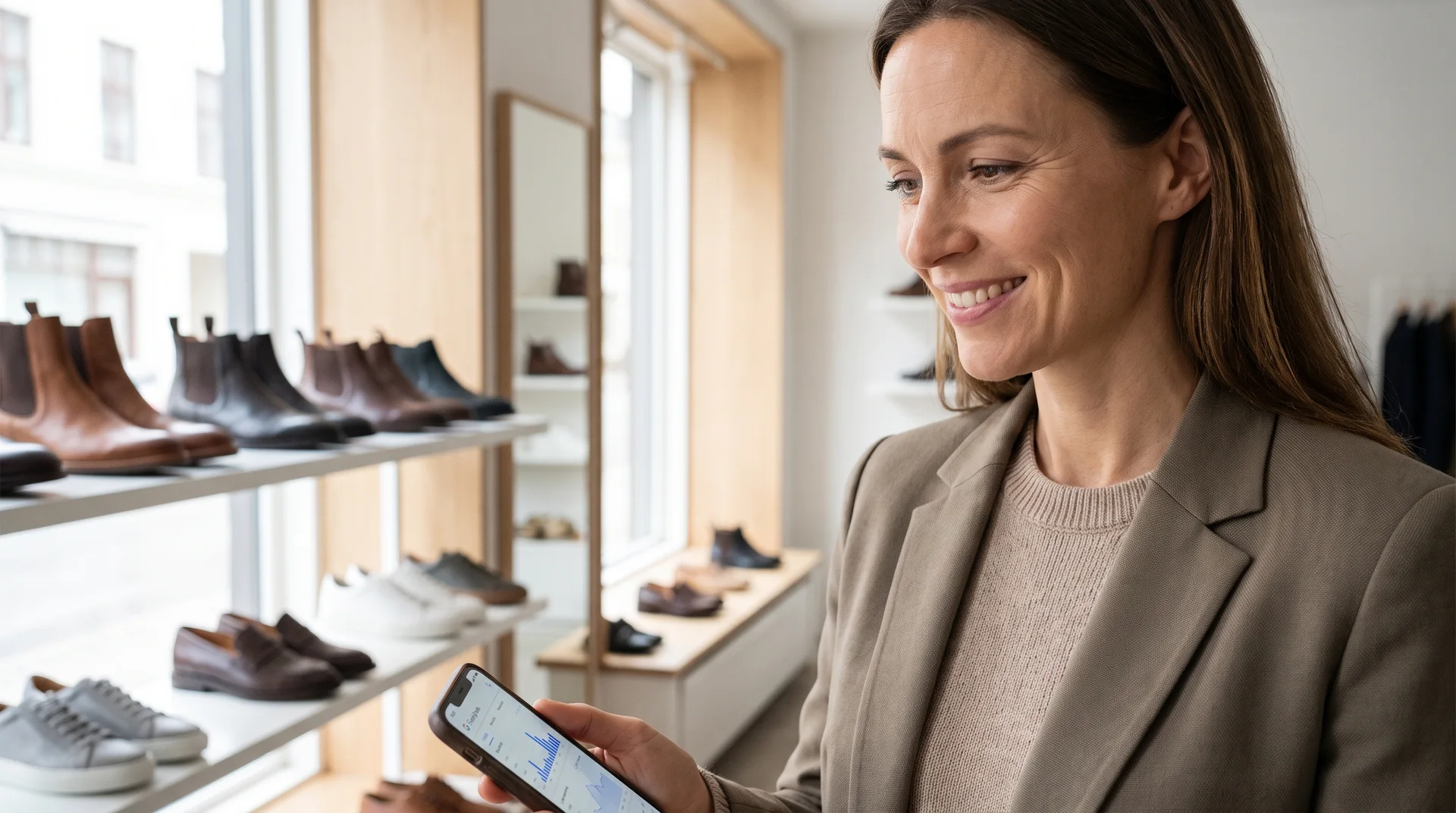
Managing reviews requires a proactive approach. Instead of just waiting for reviews to come in, encourage customers to share their experiences and respond professionally to all feedback. This interaction is also an effective way to build customer loyalty and enhance your brand image.
Strategies to Encourage Positive Reviews
Asking for reviews is nothing to shy away from. When a customer leaves satisfied, kindly ask them to share their experience on Google. Here are some polite methods:
Sharing your Google profile’s QR code with a small card or brochure at the checkout.
Including a review link in post-purchase emails or SMS messages.
Inviting your social media followers to share their store experiences.
Remember, offering discounts or gifts in exchange for reviews violates Google’s policies. Your encouragement should remain a sincere request.
Dealing with Negative Reviews Professionally
Every business may receive negative reviews occasionally. What matters is how you respond. Never respond defensively or aggressively. Maintain a calm, professional, and solution-oriented attitude. Acknowledge the customer’s issue, apologize, and offer to contact them to resolve the problem. Demonstrating this constructive approach publicly shows potential customers how much you care about customer satisfaction and can mitigate the impact of negative feedback.
Visual Power: Attract Customers with Photos and Videos
Shoes are inherently visual products. Customers might hesitate to act without seeing a model or feeling the store’s atmosphere. High-quality photos and videos uploaded to your Google Business Profile offer customers a virtual tour before stepping into your store. Photos convey messages much faster and more effectively than text-based information. Well-lit, organized photos showcasing a variety of products leave a positive first impression in the customer’s mind.
Regularly adding new visuals keeps your profile looking active and current and maintains customer interest. Photos taken from different angles inside your store, window displays, close-ups of new arrivals, and even pictures of your friendly staff add a human touch to your business.
Professional Photos Inside and Outside the Store
It is important that photos you add look professional. This does not mean expensive equipment is necessary; today’s smartphones can produce excellent results. What matters is good lighting and clear images. Add photos showing your store’s exterior, signage, general interior view, shelf organization, and checkout area. These visuals help customers recognize your store easily and know what to expect when they enter.
Effectively Using Product Photos
Showcasing the products you sell is one of the best ways to attract customers. Especially upload detailed photos of new season or popular models. For instance, you can display the latest women’s sports or men’s sports shoes sourced from Bulkoon’s extensive catalog. Platforms like Bulkoon offer over 10,000 model options, allowing you to keep your store’s visual content constantly fresh and attractive. Photograph products from various angles highlighting material details. This improves perceived quality and stimulates purchasing desire.
Advanced Optimization Tactics and Common Mistakes
Entering basic information and adding photos is a great start. However, to stand out in competition, you need to actively use other features Google Business Profile offers. These advanced tactics increase engagement rates and send Google signals that your business is active and attentive. Equally important is avoiding common unintentional mistakes.
For example, the Questions and Answers section is often overlooked. Customers use it to ask about parking, return policies, or stock status of particular models. Responding quickly and informatively provides an excellent customer service experience. You can even add frequently asked questions yourself and answer them proactively.
Staying Current with Google Posts
Google Posts allow you to share short-term announcements, offers, new products, or event information directly visible in your profile card in search results. You can use this feature to announce a new collection arrival, start a weekend discount, or communicate a campaign. Posting regularly keeps your profile dynamic and communicates to customers that there is always something new at your store.
Common Mistakes to Avoid
Some mistakes during optimization can waste all your efforts. One common error is adding keywords to the business name (e.g., "Ahmet Shoe Store - Cheapest Sports Shoes"). This violates Google’s policies and can cause your profile to be suspended. Another mistake is not responding to reviews or only replying to positive ones. It’s important to show that you value all feedback. Lastly, entering information once and forgetting it is a serious error. Always keep critical details like working hours and phone numbers up to date.
Strengthen Your Digital Presence with Wholesale Supply
Building a strong presence on Google Maps brings customers to your door. But if they cannot find what they want inside or your product range is insufficient, that effort goes to waste. A successful digital marketing strategy must always be supported by a strong operational foundation and quality product supply. You must be able to deliver on the promises made on your digital showcase with physical shelves.
At this point, working with the right wholesale supplier plays a critical role. A reliable B2B platform enables you to stock your store with diverse, trend-appropriate, and quality products. This means more products to showcase on your Google profile and more positive reviews from satisfied customers.
Product Variety Supporting Map Visibility
When you attract customers searching specifically for "women’s ballerinas" or "kids’ sandals" on Google, you must offer rich options in those categories. Platforms like Bulkoon provide access to thousands of different models through a wide network of approved suppliers. This variety makes it easy for your store to meet every type of customer expectation. You can convert the increased store traffic from your digital visibility into sales with your comprehensive product range.
Next Steps: Take Your Store to the Top
Google Maps optimization is not a one-time task to forget; it is a dynamic process requiring continuous attention and updates. Regularly check your profile, add new photos, respond to customer reviews, and actively use the Posts feature. When you combine these digital efforts with the right product supply and excellent in-store customer experience, sustainable business growth becomes inevitable. Discover how Bulkoon works to simplify your sourcing process and focus your energy on satisfying your customers.