7 Ways to Attract Customers to Your Shoe Store via Google Maps

Discover how to turn Google Maps into a powerful marketing tool to increase foot traffic to your shoe store. Boost customer visits with profile optimization, visual content, review management, and local SEO tips.
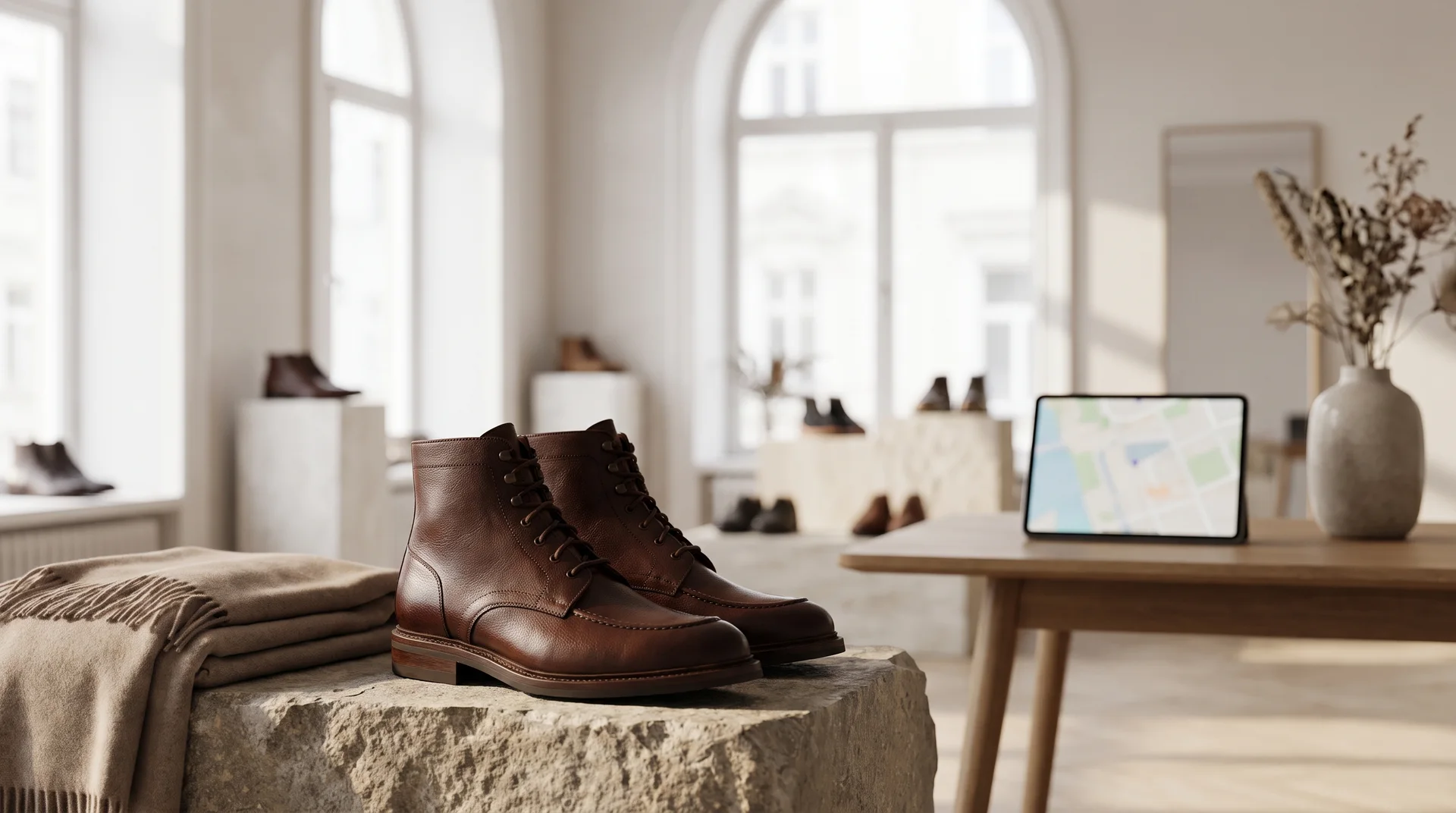
The most valuable customer for a physical shoe store is someone who is out looking to buy shoes right now and searches for "shoe stores near me." The way to capture this potential customer often passes through a tool that is frequently overlooked: Google Maps. This platform does much more than just show an address; when used correctly, it can become your store's digital storefront and the most effective local marketing channel. Many business owners do not fully utilize the potential of Google Business Profile. Yet, with a complete profile, high-quality visuals, and regular updates, you can significantly increase your store's visibility in regional searches and boost customer traffic. This guide will walk you through proven steps to turn Google Maps into a customer magnet for your shoe store.
1. Complete and Accurately Fill Out Your Google Business Profile
Everything starts with having accurate and complete basic information. Google strives to provide users with the most accurate and reliable information. Therefore, businesses that have complete and consistent data are ranked higher in search results. Even the smallest mistake or omission in your profile can redirect a potential customer to your competitor.
The Power of Basic Information: Address, Phone, and Operating Hours
Your business's name, address, and phone number (NAP) must be consistent across all digital platforms. Google interprets this consistency as a signal of trustworthiness. Make sure your address points to the correct location on the map because it is critical for customers to find you easily. Always keep your operating hours up to date. Especially during holidays, official public holidays, or special days, remember to adjust your hours accordingly. The disappointment of a customer arriving when your store is closed can quickly turn into a negative review.
The Importance of Category and Attribute Selection
Selecting the correct primary category to define your business is one of the most important steps for local SEO. This category is clear for you: "Shoe Store." However, subcategories and attributes are just as important. For example, if you only sell women's footwear, you can specify this. The attributes section allows you to highlight additional features your store offers. Attributes like "wheelchair accessible entrance," "accepts credit cards," or "woman-owned business" can encourage specific customer groups to prefer you. These details show how well you meet the needs of users searching for your products.
2. Leverage the Power of Visuals: Add High-Quality Photos and Videos
People are visual beings, and when selling a product like shoes, where aesthetics are crucial, the power of images cannot be disputed. Photos on your Google Business Profile create the first impression customers have about your store. High-quality and up-to-date visuals build trust and increase customers’ motivation to step into your store.
Storefront and Interior Photos
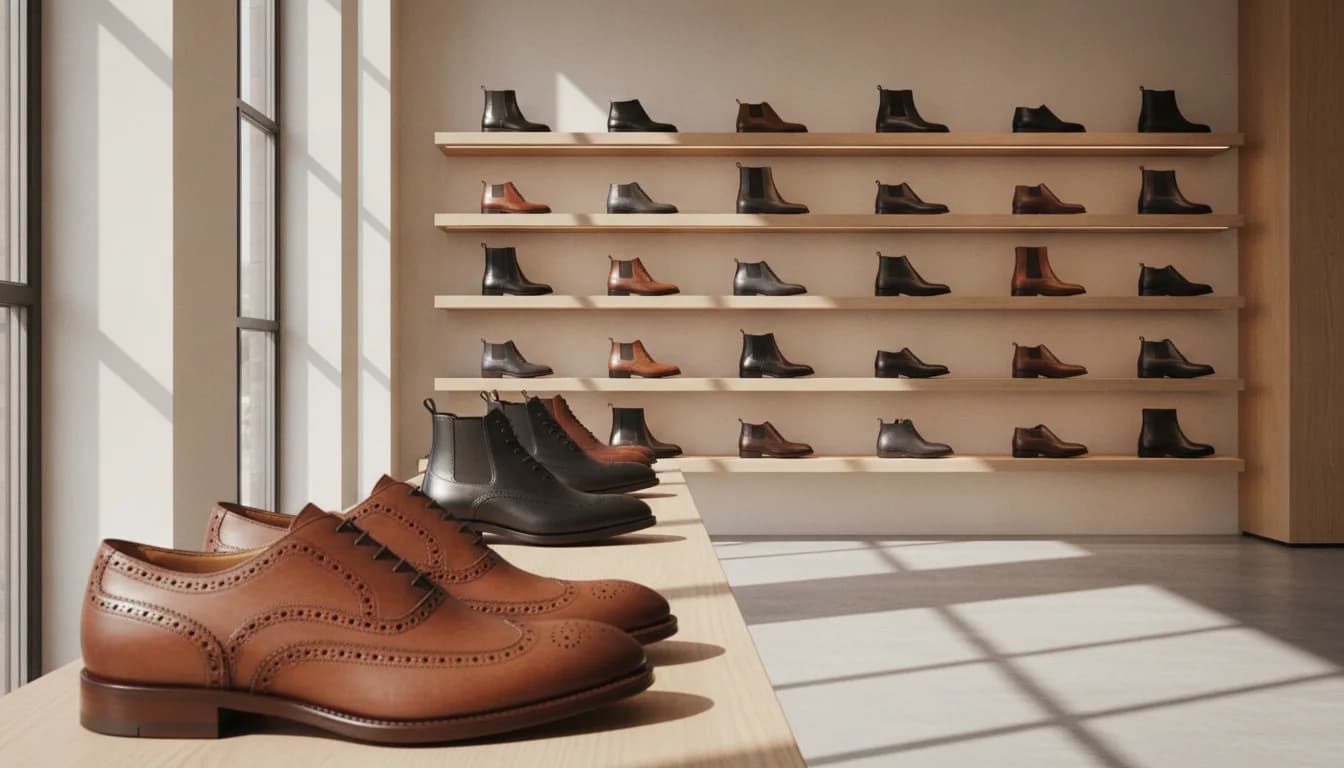
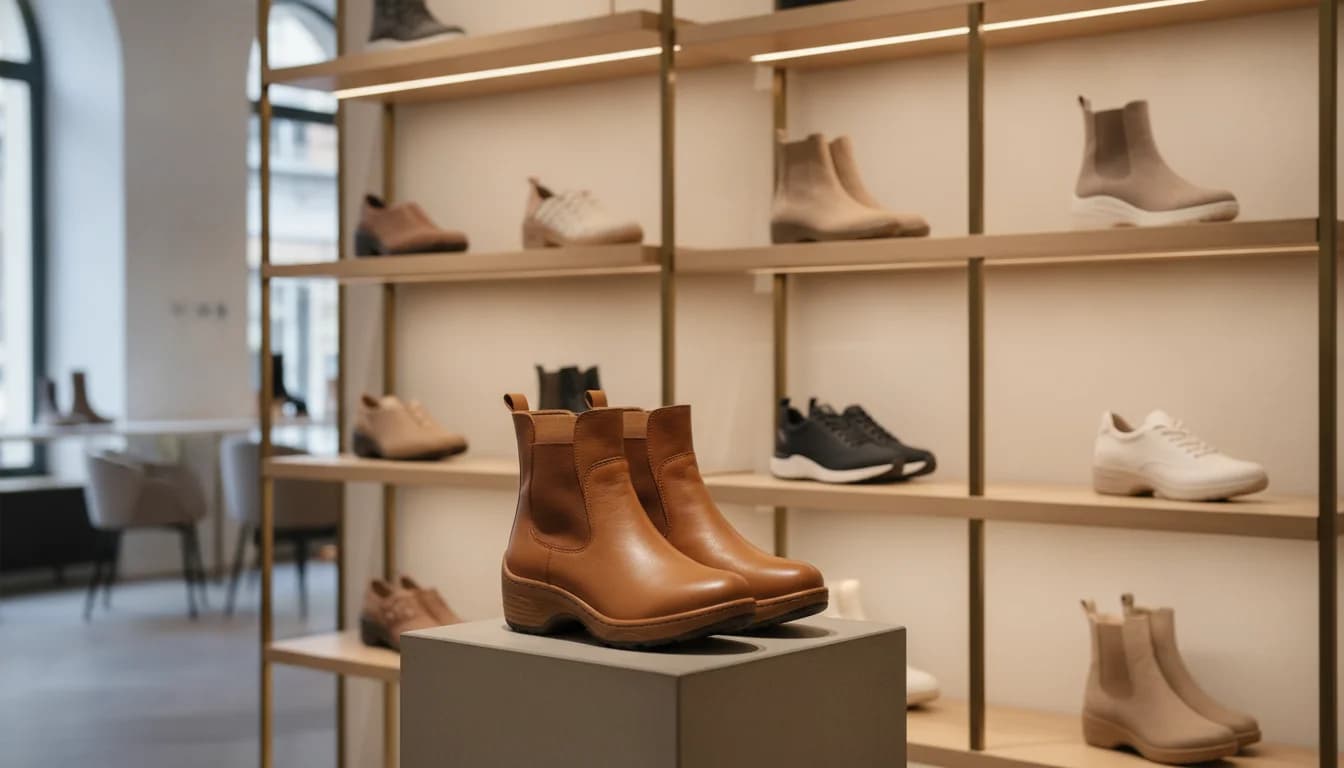
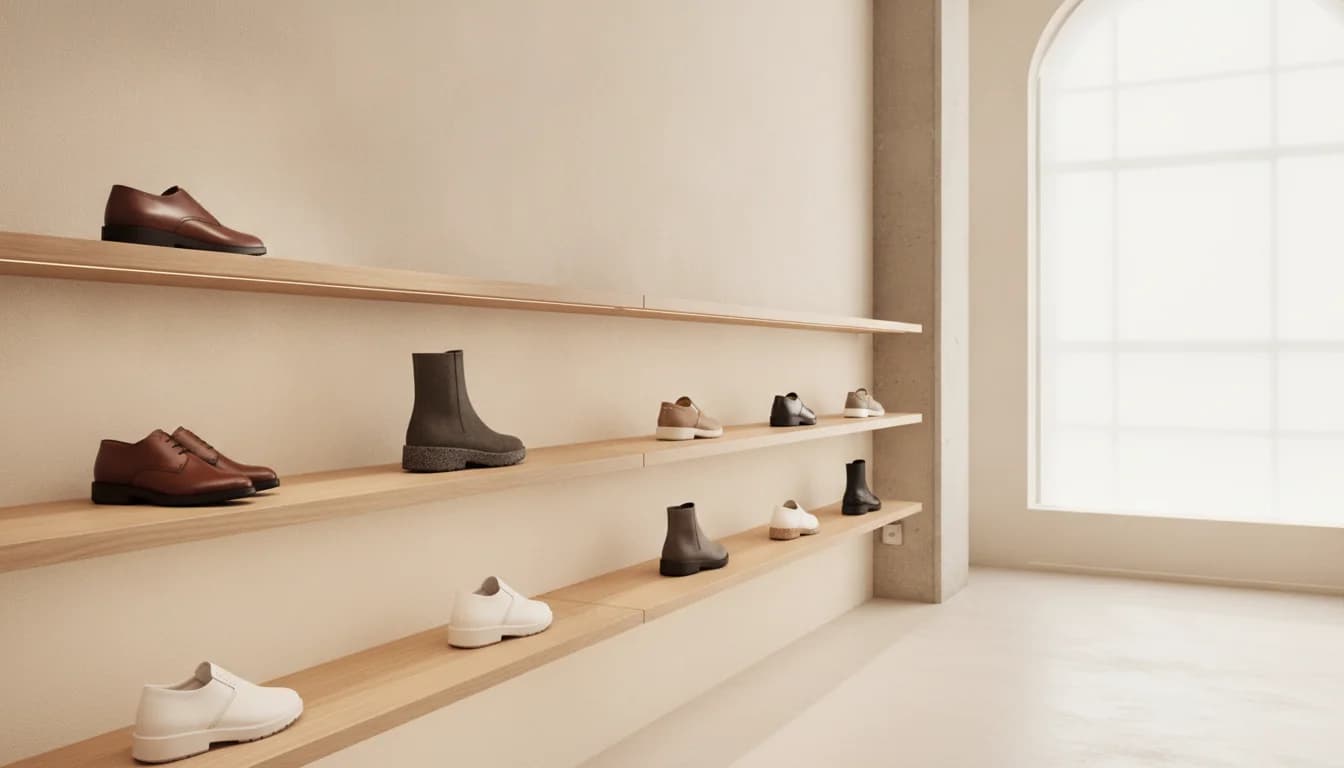
The first photos you add to your profile should reflect your store's exterior and interior appearance. An exterior photo helps customers recognize you easily when walking on the street. Interior photos should show your store’s atmosphere, organization, and cleanliness. How neatly the shelves are arranged, how products are displayed, and the overall ambiance give customers an idea about the shopping experience. Be sure to take bright, clear, and inviting photos.
Product Photos and Current Collections
After photos of your store, the most important visuals are your products. Photograph new arrivals like men's sports shoes, season-trending women's heeled sandals, or your best-sellers professionally and upload them to your profile. Shoot products from different angles to highlight details. Consider how effective product videos on platforms like Bulkoon are; similarly, short videos can help better convey the texture and fit of your products. Regularly adding new product photos sends a strong signal that your profile is current and active.
3. Manage and Encourage Customer Reviews
Online reviews are today’s word-of-mouth marketing. Potential customers place great importance on reading others’ experiences before visiting a store. High ratings and positive reviews increase your store’s credibility and reward you in Google's ranking algorithm.
Strategies to Encourage Positive Reviews
Do not hesitate to ask satisfied customers to leave reviews, but avoid being pushy. A small note by the checkout, a card in the shopping bag, or a QR code printed on the receipt can gently encourage customers to write a review. Remember that people usually write reviews when they are very satisfied or very dissatisfied. Activating the silent majority of happy customers is in your hands.
The Art of Responding Professionally to Negative Reviews
Inevitable negative reviews will appear from time to time. Never delete or ignore these comments. Instead, respond professionally, calmly, and with a solution-oriented approach. Acknowledge the customer's issue, apologize, and offer to discuss the matter privately (by phone or email) to resolve it. Your constructive response not only reassures the complaining customer but also demonstrates to all potential customers viewing your profile how attentive your business is to problems.
4. Increase Engagement with Google Posts
Google Posts are a fantastic feature you can use on your business profile like short blog posts or social media updates. These posts appear as part of your profile in search and maps results, serving as the most direct way to deliver up-to-date information about your store to potential customers.
Announce New Arrivals and Collections
When a new collection arrives, announce it with a post. For example, create a post titled, "This week in our display: New season women's stiletto models are here!" and include several high-quality product photos. Such regular posts keep your followers informed and show Google that your profile is active and dynamic. Thanks to Bulkoon’s offering of over 10,000 model options, you can constantly add new products to your store and instantly announce these updates via Google Posts.
Share Campaigns, Discounts, and Events
Google Posts are perfect for announcing special offers and campaigns. Posts with titles like "20% off all sandals this weekend" or "Don’t miss our end-of-season deals" are powerful incentives to attract customers. By selecting a "Offer" type post, you can add start and end dates and even create coupon codes. This creates urgency and helps increase customer traffic quickly.
5. Use the Q&A Section Proactively
The Q&A section on your Google Business Profile is often an overlooked hidden gem. This feature allows customers to ask you questions directly, and your answers are visible to everyone. By using this proactively, you can showcase your customer service quality before customers even visit your store.
Add Frequently Asked Questions Yourself
You don’t have to wait for customers to ask questions. You can ask frequently asked questions yourself and answer them to take control and clarify important information right from the start. Example questions:
"Do you have kids' sports shoes in your store?"
"What is your product return and exchange policy?"
"Is there parking available in front of your store?"
"Do you offer installment payment options?"
Adding these questions and answers removes uncertainties and facilitates purchasing decisions.
Respond Quickly and Thoroughly to Incoming Questions
When a customer asks a question, try to respond as promptly as possible. Quick replies show how engaged your business is with its customers. Make sure your answers are clear, informative, and friendly. Remember, not only the person who asked the question but all visitors to your profile can read these answers. This section is an opportunity to demonstrate your transparency and expertise.
6. Create Your Digital Showroom with the Products Feature
The "Products" tab on Google Business Profile acts as a digital catalog where you can display selected models from your store’s inventory. This feature allows customers to see what kinds of products they can find in your store before visiting, which is especially helpful for users looking for specific models.
Highlight Popular Models
Showcase best-sellers, new arrivals, or season-highlighted products here. You can add a high-resolution photo, a title, price (or price range), and a short description for each product. Organize products into categories like "New Season Sneakers," "Summer Sandals," or "Evening Shoes" to help customers find what they want more easily. This digital showroom acts as an extension of your physical display window.
Enter Price and Description Details
Transparency is key to building trust online. Clearly listing prices or at least a price range helps customers understand if your products fit their budget. Don’t just name the model in descriptions; add details like the shoe material (e.g., "genuine leather"), usage area ("suitable for daily wear, comfortable sole"), or style tips to make the product more appealing. Sourcing from a platform like Bulkoon, which works only with ready stock items, makes it easy to ensure the products you showcase are truly available in your store.
Conclusion: Your Digital Presence Is the Door to Your Physical Store
Google Maps and Business Profile are no longer luxuries but necessities for a shoe store. A well-optimized and active profile transforms you from just a point on the map into a lively, trustworthy, and preferred business in the minds of potential customers. Consistently applying the steps outlined above will increase your visibility in local searches, attract more qualified customers to your store, and ultimately have a positive impact on your sales. Remember, your digital presence is the most effective key to making the doors of your physical store open more often. The first step to creating a successful digital storefront is finding the right products; explore how Bulkoon works to discover how you can simplify your wholesale purchase processes.